
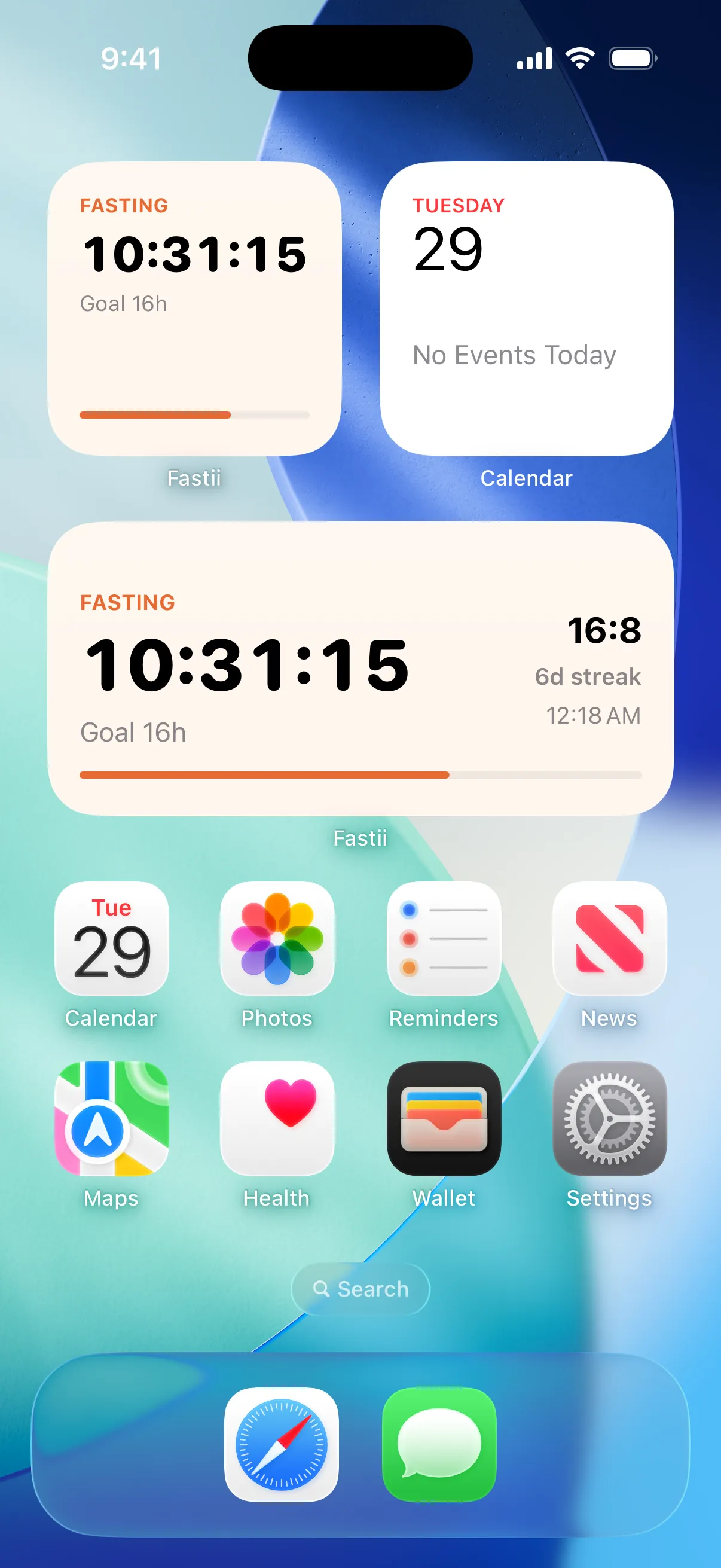
Home Screen widgets
Elapsed time, goal, protocol and streak, in small or medium size.
Intermittent fasting · iPhone and Apple Watch
Fastii times your 16:8, 18:6 or OMAD in one tap, keeps your streak, and tells you when your eating window opens. No miracle diets, no account, no ads.
How it works
Fastii is for people who already decided to fast and just want a clear clock that stays out of the way.
14:10 to ease in, 16:8 the classic, 18:6, 20:4, OMAD, or your own split. Three questions and you’re set.
The clock runs on your iPhone, your Home Screen widget and your Apple Watch. Started an hour ago? Set the real start time.
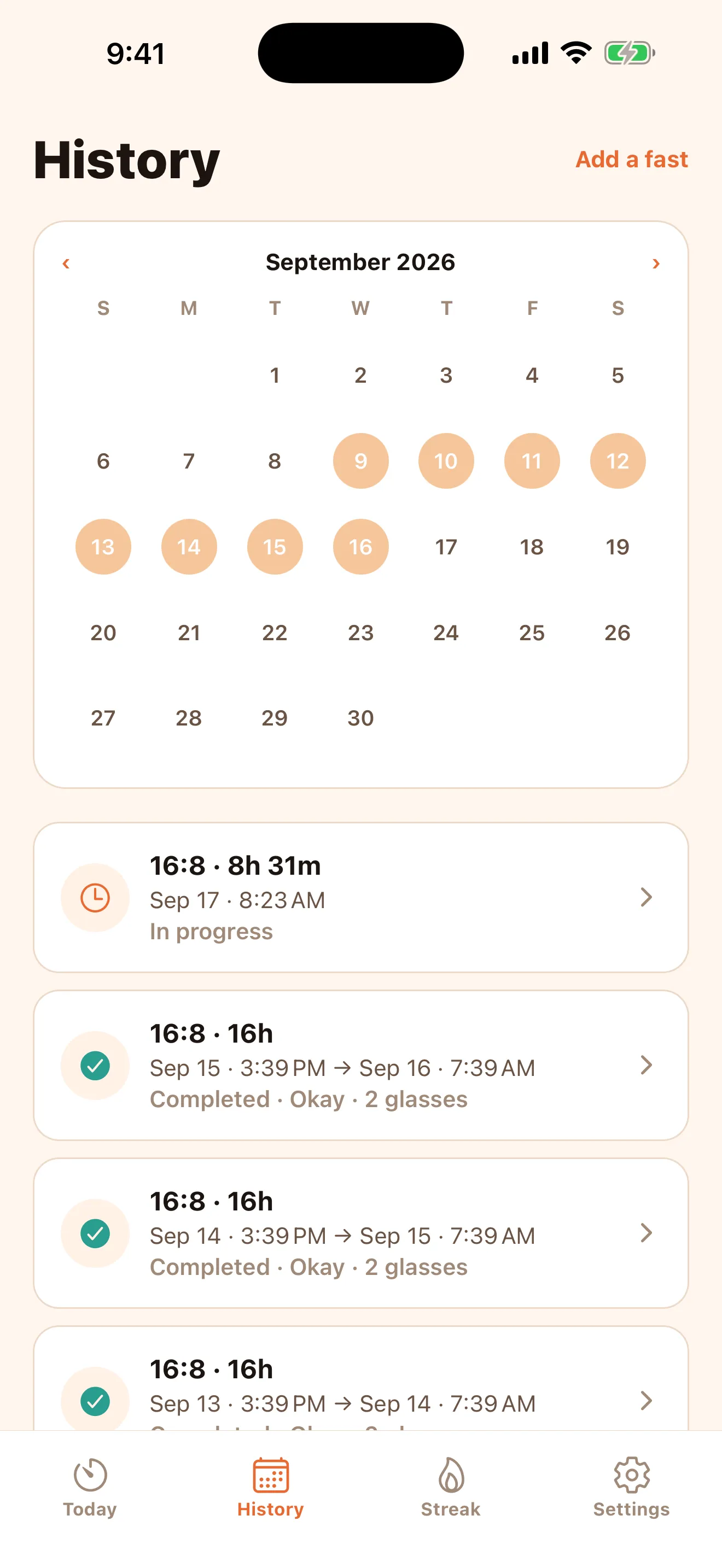
Note how it felt and how many glasses of water you had. The fast lands in your history and your streak goes up.
Intermittent fasting calculator
Pick a protocol and the time you start fasting. We’ll show your eating window on a 24-hour clock, just like the app.
An informational planning tool. Not medical advice.
Inside the app
Always in view
Elapsed time, goal, protocol and streak, in small or medium size.
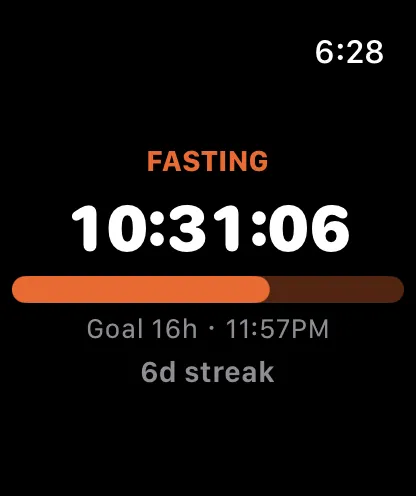
Check your fast from your wrist, with your goal and streak.
Window opens, window closes, goal reached, and clock marks. Scheduled on your iPhone.
Features
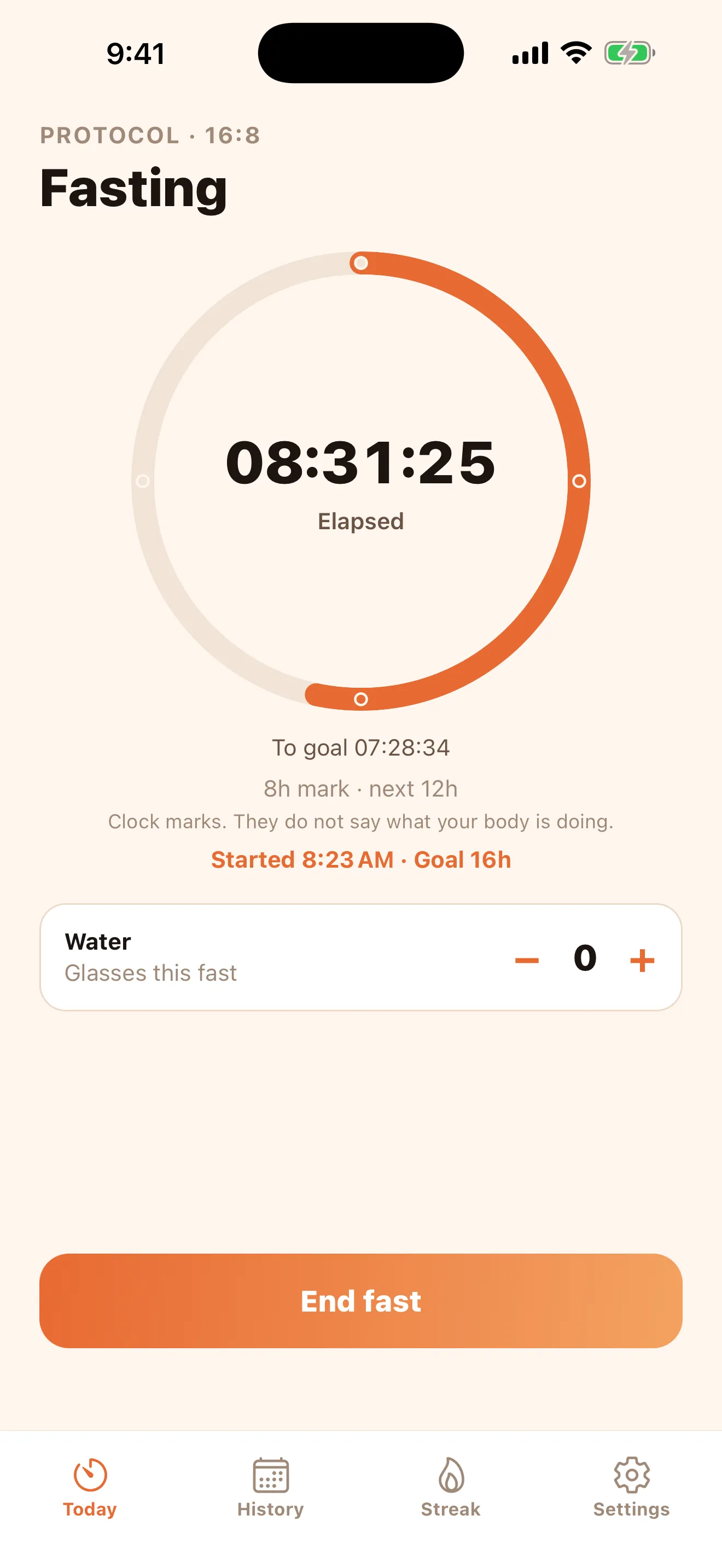
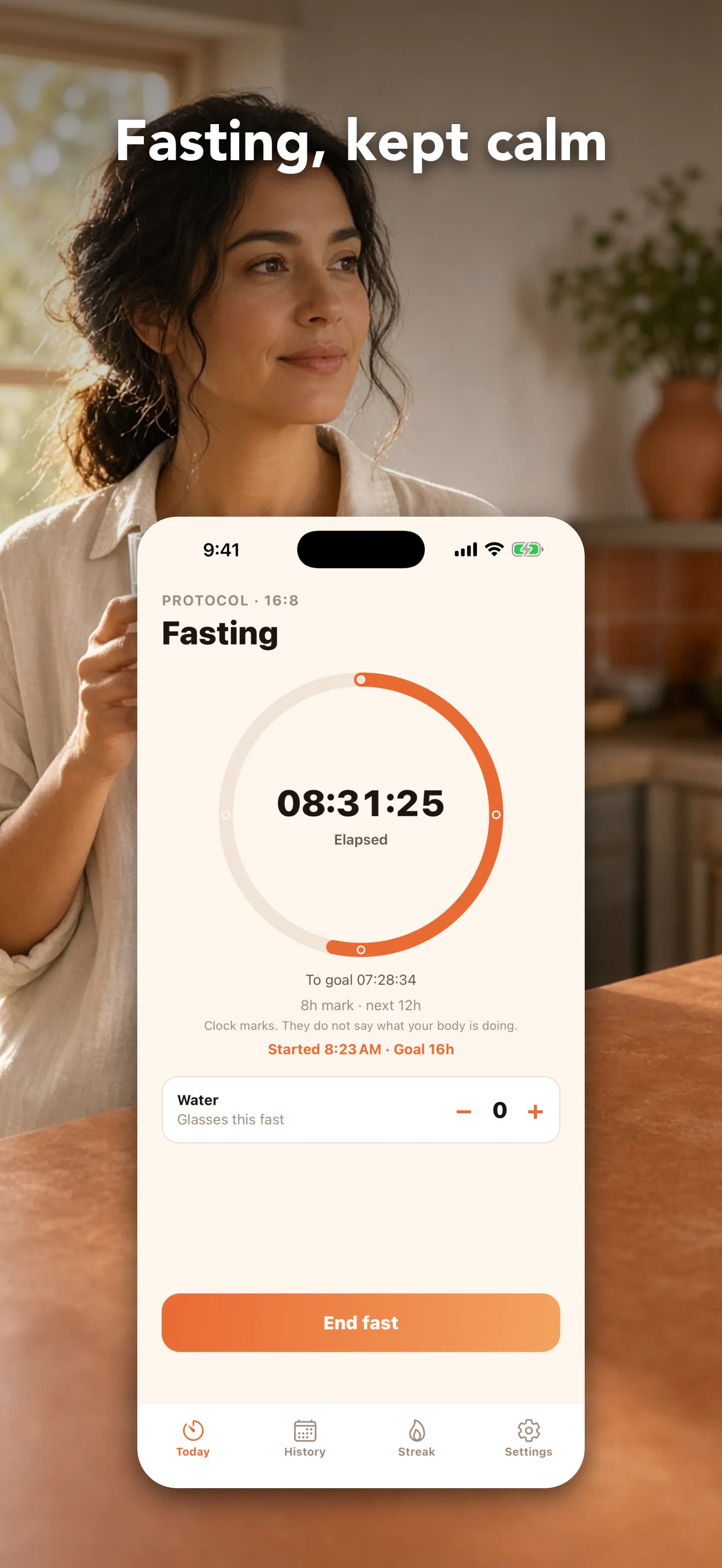
Hours, minutes and seconds, with your goal and time left always in view.
Dots on the clock to pace the way. They’re time marks, not claims about your body.
Every fast with its start time, length and how it went. Add or fix past fasts.
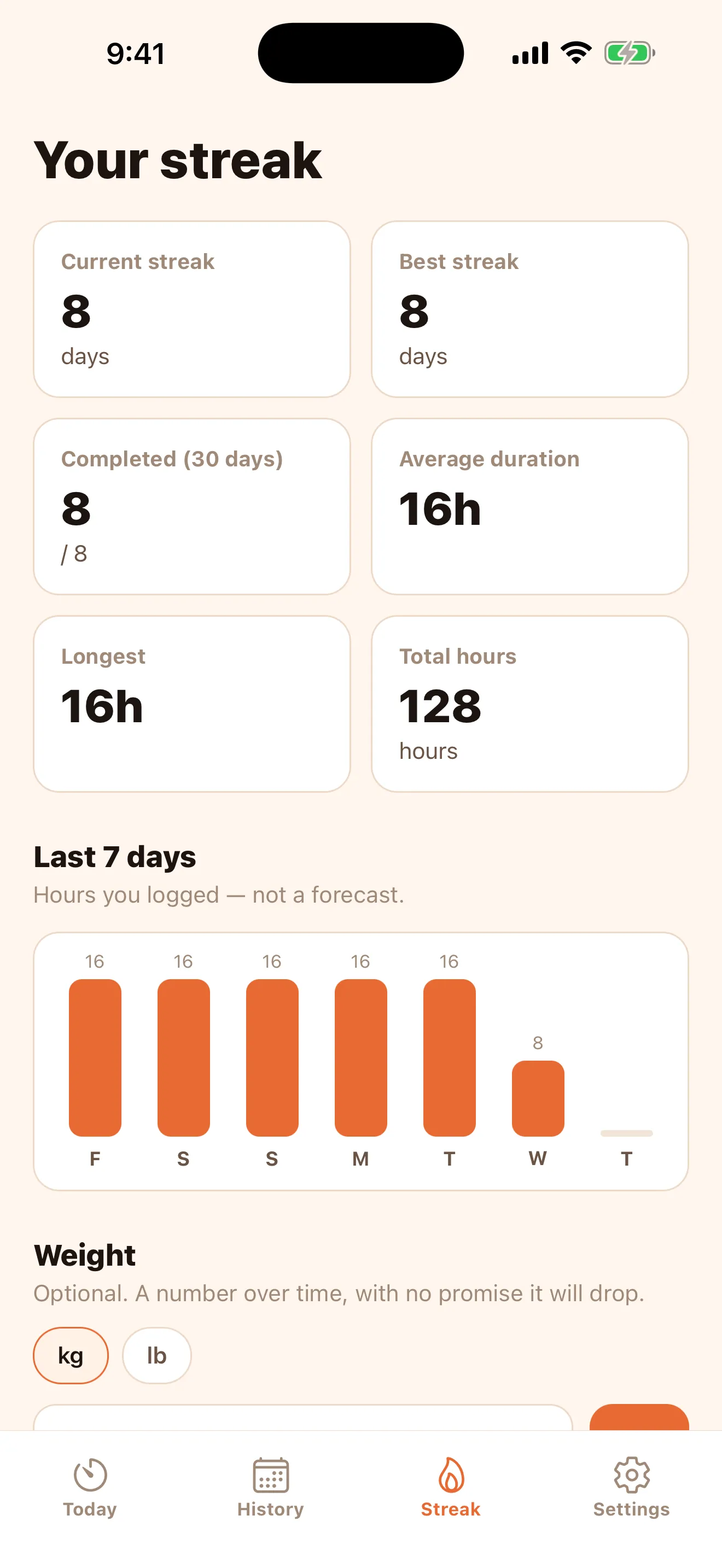
Days in a row, weekly hours, average length and your longest fast.
Add glasses with one tap and get an optional water reminder.
A trend chart in kg or lb. A number over time, with no promise to lose.
When your window opens or closes, at your goal and at each mark, if you turn them on.
Follows your iPhone’s appearance. In English or Spanish, your choice.
No fine print
Plenty of fasting apps sell you magic stages and guaranteed results. Fastii does one thing: time your fast clearly and respect your privacy.
Read the privacy policy. It’s short and written for people.
Pricing
Download Fastii, set your schedule, and use the timer, history and streak for a full day. If it works for you, keep going with Fastii Plus.
Price in your currency is shown before you pay. Renews automatically; cancel anytime in your Apple ID settings.
It’s free to download. After setup you get 24 hours to use the timer, history and streak without paying. To keep using them you need Fastii Plus, a yearly or monthly subscription. The price in your currency is shown before you pay, and you can cancel anytime in your Apple ID settings.
14:10, 16:8, 18:6, 20:4, OMAD (one meal a day), and a custom schedule with 12 to 23 hours of fasting. You can switch protocols anytime.
No. Fastii has no accounts or sign-in. Open the app, answer three questions, and start your first fast.
On your iPhone. Your fasts, notes, water and weight never leave the phone. We don’t use analytics or ads. Purchases are processed by Apple and validated by RevenueCat with an anonymous identifier, never your fasting log.
Yes. Apple Watch shows your fasting time, goal and streak. There are also Home Screen widgets for iPhone.
No. Fastii is an informational timer and log. It is not a medical device, does not diagnose or treat any condition, and does not prescribe a diet. If you are pregnant, breastfeeding, have diabetes, take medication, or have a history of disordered eating, talk to a health professional before fasting.
From the blog
Why most people quit intermittent fasting in the first few weeks, and seven practical ideas to turn it into a habit that lasts for months.
ProtocolsWhat OMAD (one meal a day) is, how it differs from 20:4 and 16:8, how a day is organized, and why it’s not the best starting point for most people.
Common questionsA practical guide to which drinks and products are usually fine during intermittent fasting and which count as food, with honest nuance where there’s no consensus.
Download Fastii and try it free for 24 hours.
Download on theApp Store